Campaign cloning without leaving Ads Manager.
Export, import, and clone Facebook campaigns right in Ads Manager. Bring your drafts, media, pages, pixels, and catalogs with you.
Drag the yellow button to your bookmarks bar, or copy the code into a new bookmark's URL.
Then open Ads Manager and click the saved bookmark.
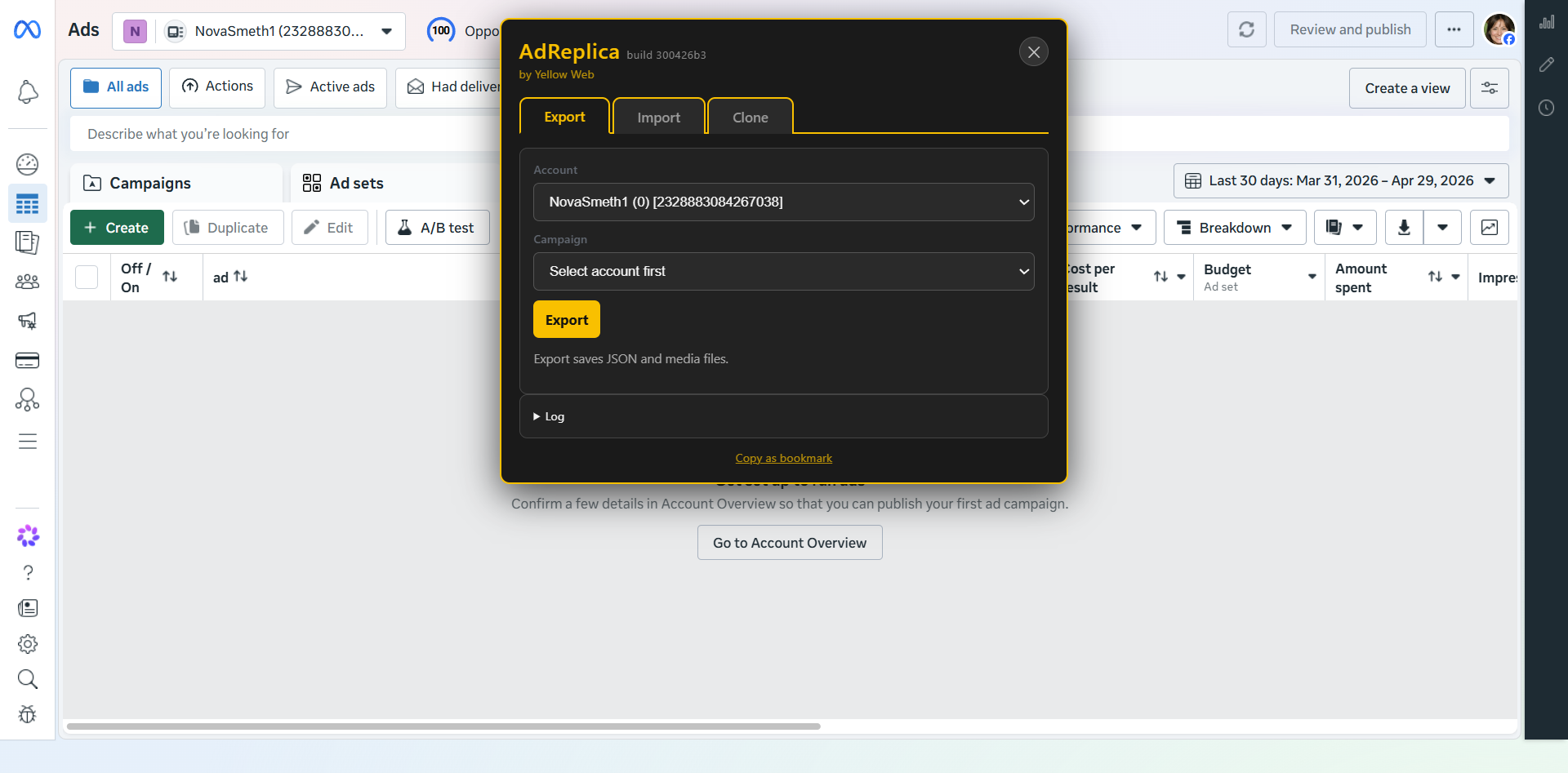
Save campaign structure to JSON and collect required media for reproducible imports and comparisons.
Create real objects or drafts with page, pixel, schedule, media, dynamic creative, and catalog remapping.
Copy a source campaign into another ad account in DRAFT, PAUSED, or ACTIVE mode without writing files to disk.
Uses Ads Manager draft fragments and validates against editor behavior instead of trusting Graph parity alone.
Detects Advantage+ catalog ads, product sets, feeds, and BM constraints before cloning catalog campaigns.
Preserves language/asset customization setups used by webmasters who localize creatives through Facebook's Languages flow.
The loader bookmarklet reads a small OG manifest, verifies payload SHA-256, and caches the latest payload locally.